Table 04Just now
2 × Grilled sea bass
One without the sauce
Mark as done
Point of sale, made for hospitality
From the first order to the final receipt. Bring your tables, team and kitchen together in one thoughtfully simple restaurant POS.
For your dining room, your terrace and the team behind it.
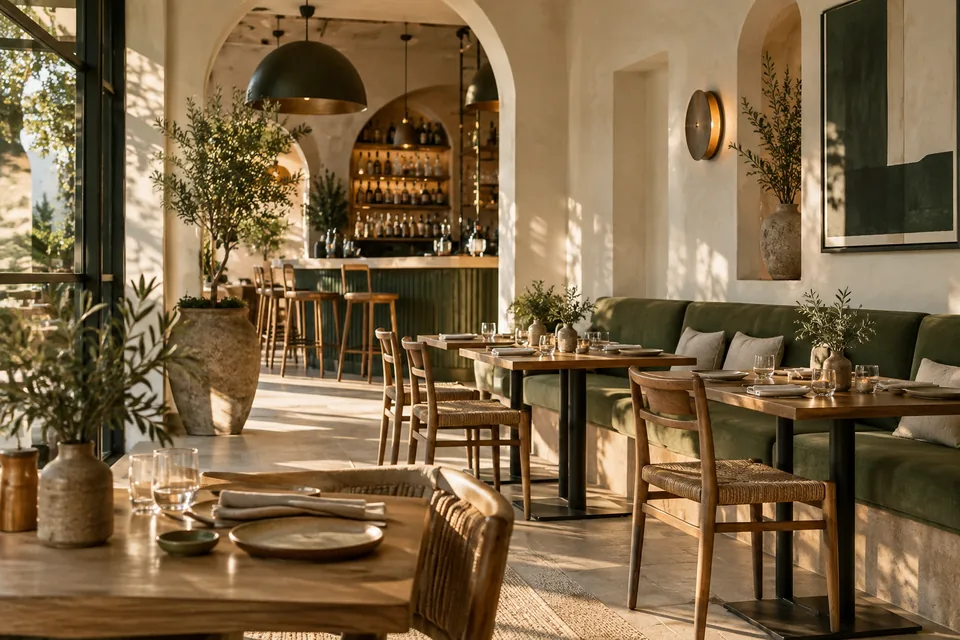
A natural fit for the places people love.
Meet your everyday workspace
Keep the details connected, so the team can focus on what comes next. Take a look around.
A visual table plan keeps the dining room easy to follow. Open a table, add an order and keep the bill together as service moves.
Send dishes to the kitchen and drinks to the bar, with routing set on each product. Give every station a clear view of its work.
2 × Grilled sea bass
One without the sauce1 × Seasonal salad
Dressing on the sideSee what sold, choose the period you want to review and export individual reports for the next conversation or decision.
The details, taken care of
Practical tools that work together, from getting your menu ready to closing the till.
Manage upcoming bookings separately from your table plan. Give reservation access to the people who need it.
Organise products, images, options and preparation stations. Set automatic routing item by item.
Give owners, managers, cashiers, waiters, kitchen staff and accountants the access their work calls for.
Add your business logo to neatly formatted receipts and invoices, with local times for mainland Spain or the Canary Islands.
Open and close cash sessions, record cash movements and keep those tasks separate from staff management.
English and Spanish interfaces help teams work in the language they know. A training environment gives them room to practise.
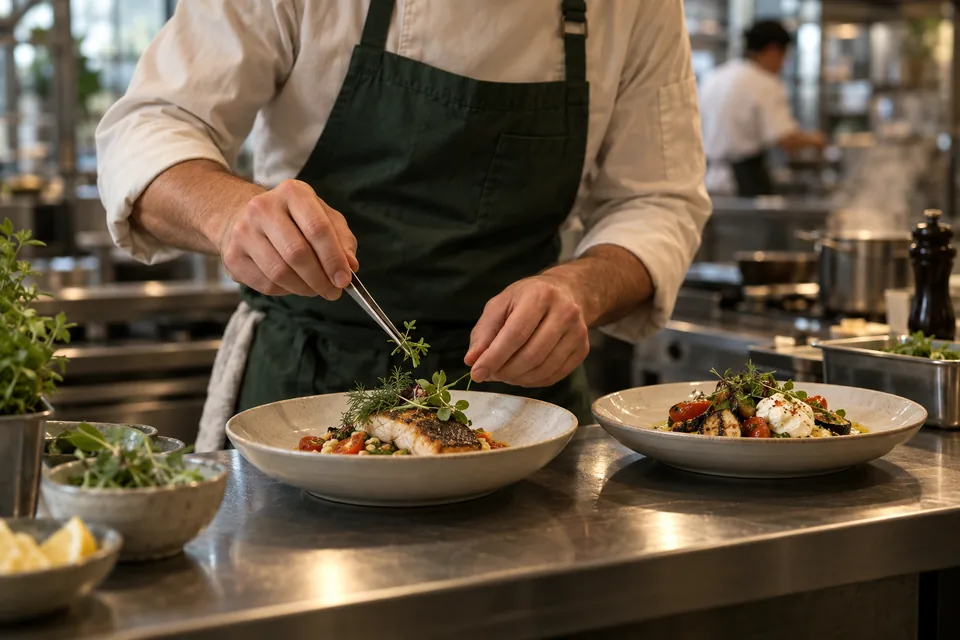 From the dining room to the kitchen pass.
Your way of working
Guestiva brings structure to the busy moments without making your team work around the software.
Add your business details, logo, tables, menu and preparation stations.
Choose permissions, invite your team and practise in the demo before service.
Take orders, follow preparation, settle bills and review the day in one place.
A few useful answers
The essentials, without the small print.
Restaurants, cafés, bars and other hospitality venues that want to manage tables, orders, preparation and receipts in one connected workspace.
Guestiva POS runs in a web browser, with layouts designed for desktop and tablet service. You need an internet connection. We can help review your devices and receipt-printing setup before you get started.
No. Choose a simple “Mark as done” flow or the staged preparation workflow for each venue. Allergy acknowledgements and cancellation notices stay visible where needed.
Yes. The POS includes a demo environment for training. Access it from your signed-in workspace so your team can learn the flow without using live service records.
Request a demo and tell us a little about your venue, your team and the way you work. We'll discuss the setup with you. If you already have an account, use Sign in to open your workspace.
Let's talk about your venue
Tell us what you're building. We'll show you how Guestiva POS can fit the way you work.